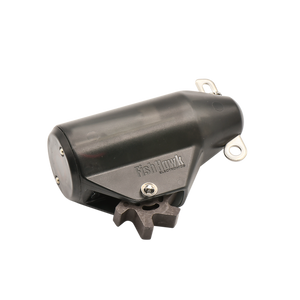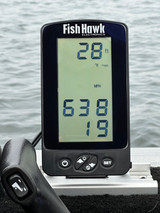
Water temperature changes with depth, creating layers of warmer and colder water from the surface to the bottom. Fish and their food sources have strong biological responses to these temperature changes, and every species has a specific temperature range where it feels and feeds best. When you know exactly where that “comfortable” water is for the fish you’re targeting, you can ignore dead water and put your lures at the depth where they are most likely to bite.
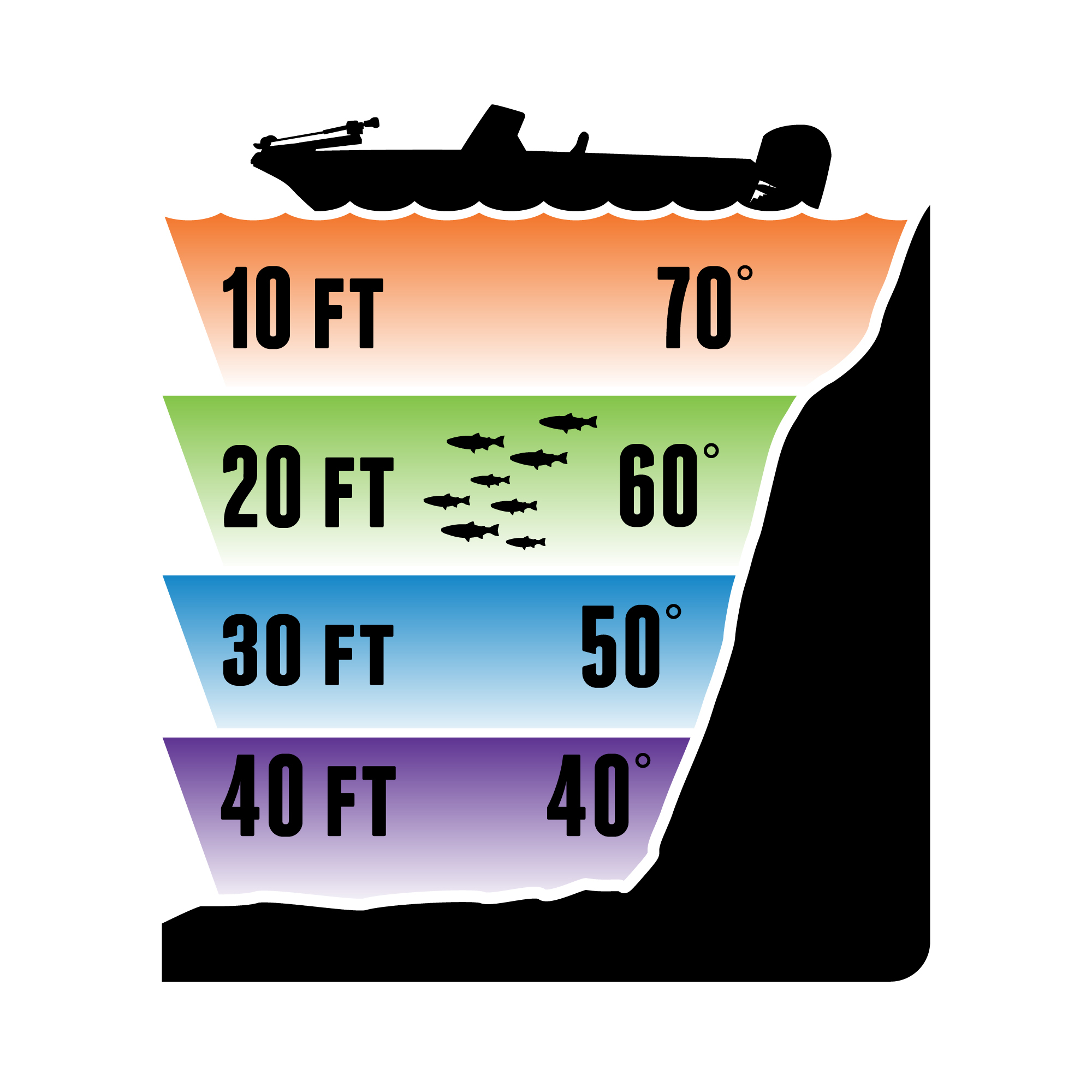
That’s exactly what Fish Hawk TD Connect™ does. This one-of-a-kind temperature and depth sensor provides a complete profile of the water column with a single drop, revealing exactly where your target species’ preferred temperatures occur. Instead of guessing or relying on surface temperature readings, TD Connect allows you to lock onto the precise temperature ranges of “right water” for each species in lakes, reservoirs, and the ocean faster and more efficiently than any other tool—so you spend less time searching and more time catching.
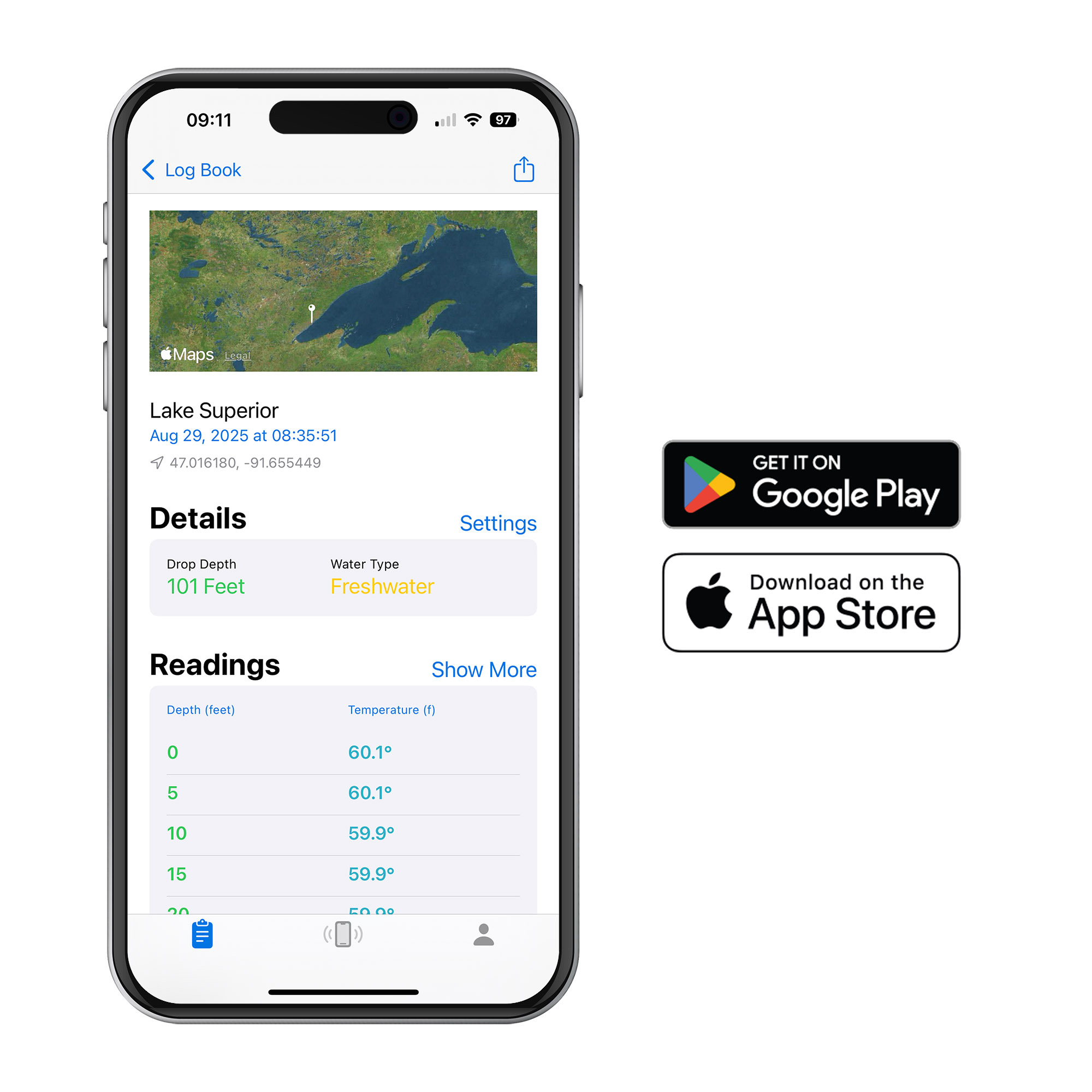
Just clip TD Connect to your fishing rod and line with a weight, drop it to the bottom, reel it back up, and open the free TD Connect app. There are no buttons, menus, or setup; the device automatically turns on when it hits the water and records temperature and depth as it descends. As soon as it comes back out of the water, the full temperature and depth profile is sent wirelessly and instantly to your smartphone or tablet.
On the app, you will see exactly how temperature changes with depth and choose to view the profile in 1', 5', or 10' increments. Enter your target species’ preferred temperature range in Target Temp Mode, and the app highlights the precise depths where that band of water exists, so you can immediately target the real strike zone. Every drop is automatically saved in your personal logbook with date, time, and GPS location (no cell service required), and you can add your own notes or share data with partners via text or email.
TD Connect is more than a temperature finder; it’s a powerful tool for finding the running depth of your presentations. Use it with Dipsy Divers, leadcore, downriggers, and other trolling setups to see their true running depth in your real‑world conditions and build your own dive charts for repeatable, confident spreads.
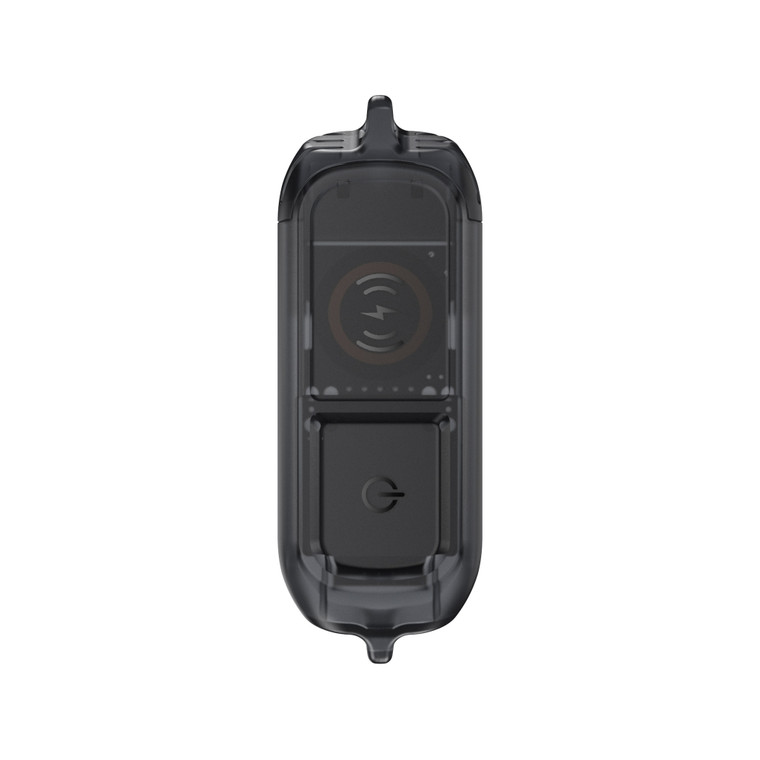
TD Connect works in fresh and saltwater and connects wirelessly to iOS and Android devices. The app supports multiple TD Connect units and allows you to select between feet and meters, Fahrenheit and Celsius. An internal lithium-polymer battery provides days of use between charges, with the app displaying battery status, and wireless charging makes it easy to top off between trips.
Made in the USA for anglers who want to spend less time guessing and more time catching, Fish Hawk TD Connect™ delivers information no traditional fish finder can provide—true water temperature and depth, top to bottom, right where you fish!
Download the complete User Guide